Turn one image into a textured 3D model for your game
Upload a picture of one object and get a textured GLB in a few minutes, with free size, facing and collision tools. Or start with a free prop from the library.
Free 3D objects
See all 139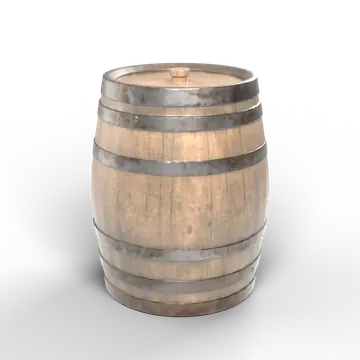
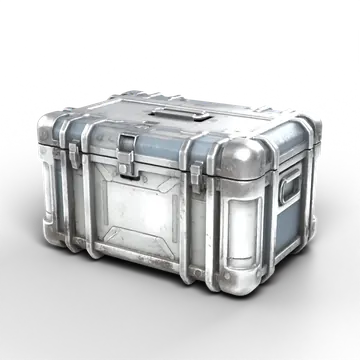
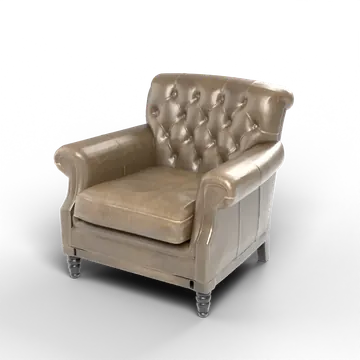
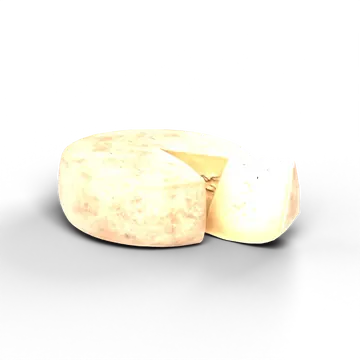
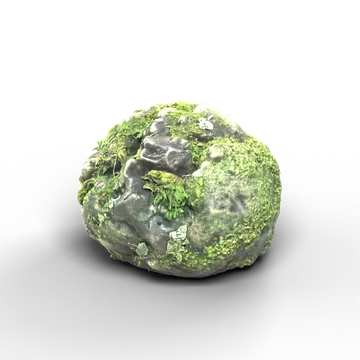
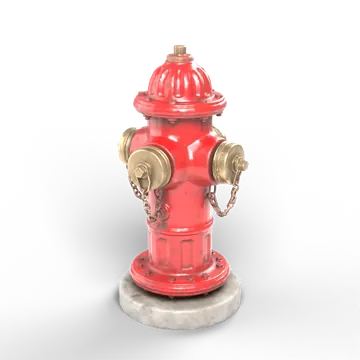
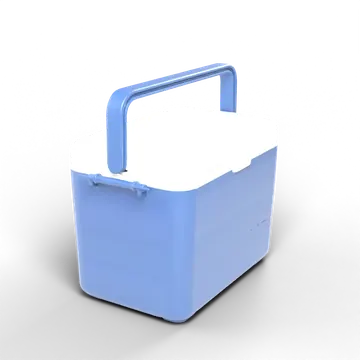
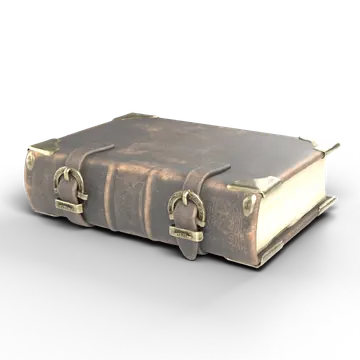
Your next asset starts here
AssetSmith: from an image to a textured 3D model
Give AssetSmith a picture of one object and get back a textured 3D model as a GLB file. The original is kept in your account, and every change you make is a separate copy, so you can always go back.
Set its real size and which way it faces, fit a simple collision box, and on paid plans make lighter LOD copies for distant views. Characters are coming soon; to rig one you already have, use RigMaster.
How it works
- Choose an image. One complete object on a simple background.
- Generate. It takes a few minutes; you can leave the page. Your model is kept, and we email you when it is ready.
- Inspect and prepare it. Turn it, set size and facing, fit collision and make LODs.
Frequently asked questions
What do I get?
A textured 3D model of an object as a GLB file. The original stays in your account. A size and facing fix or an LOD pack stays there when you save it; the collision box is a file you download.
What does it cost?
An object is 10 credits. Viewing your model and the size, orientation and collision tools are free. If a generation fails, its credits come back automatically.
Is the model ready for my game?
It is a starting point. AssetSmith sets size and facing, gives you box collision settings and, on paid plans, makes LOD copies by reducing triangles. It does not rebuild topology or repair materials, so check the model in your engine.
Can I download on the free plan?
Your first result in each workspace downloads free. In AssetSmith, that covers all the files of your first model. After it, you need a credit pack pass or a paid plan to download a new model. An active pass covers every model you start during the pass, even after it ends.
Can I make characters?
Characters are coming soon. To rig a character you already have, use RigMaster: it fits the Unreal Engine 5 Manny skeleton, so Manny and Quinn animations play on it.
Which images can I use?
Your own images, or ones you have the rights to use. Choose a PNG, JPEG or WebP showing one complete object. You can crop a concept sheet or resize a larger photo on your device. The final reference can be up to 5 MB.
Read the full AssetSmith guide: choosing a reference, preparing the model and importing it into Unreal.