Starter
$0/month
50 credit gift + 30/month
Explore StarterMade for Unreal Engine 5, with exports for Unity, Godot and Blender.
50 credits on us. No card.

Rendered in Unreal Engine 5.7 from a WorldWeaver world pack. Ground materials made in MaterialForge.
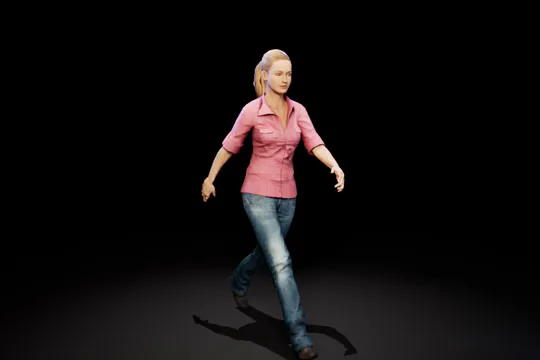
Character: Microsoft Rocketbox, MIT License
Plays stock UE5 Manny clips, no retargeting.
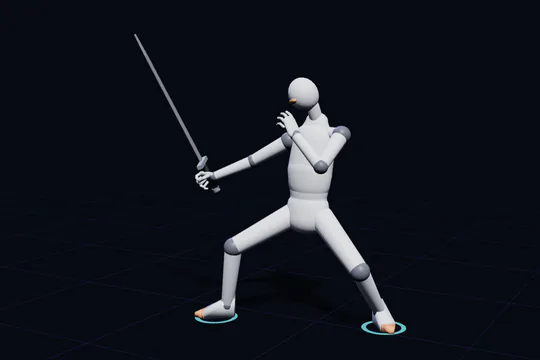
A sword slash from the free animation library.

A copper kettle made from one image.
We open the right workspace with your words already in it. One credit wallet, free to start.
Export for Unreal, Unity, Godot or Blender, or send it straight into your open Unreal editor.
Gameplay logic
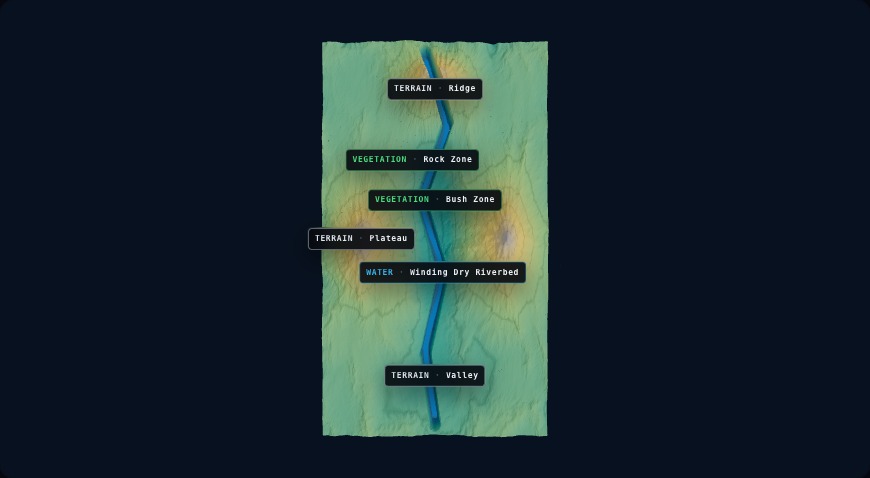 Captured example
World foundations

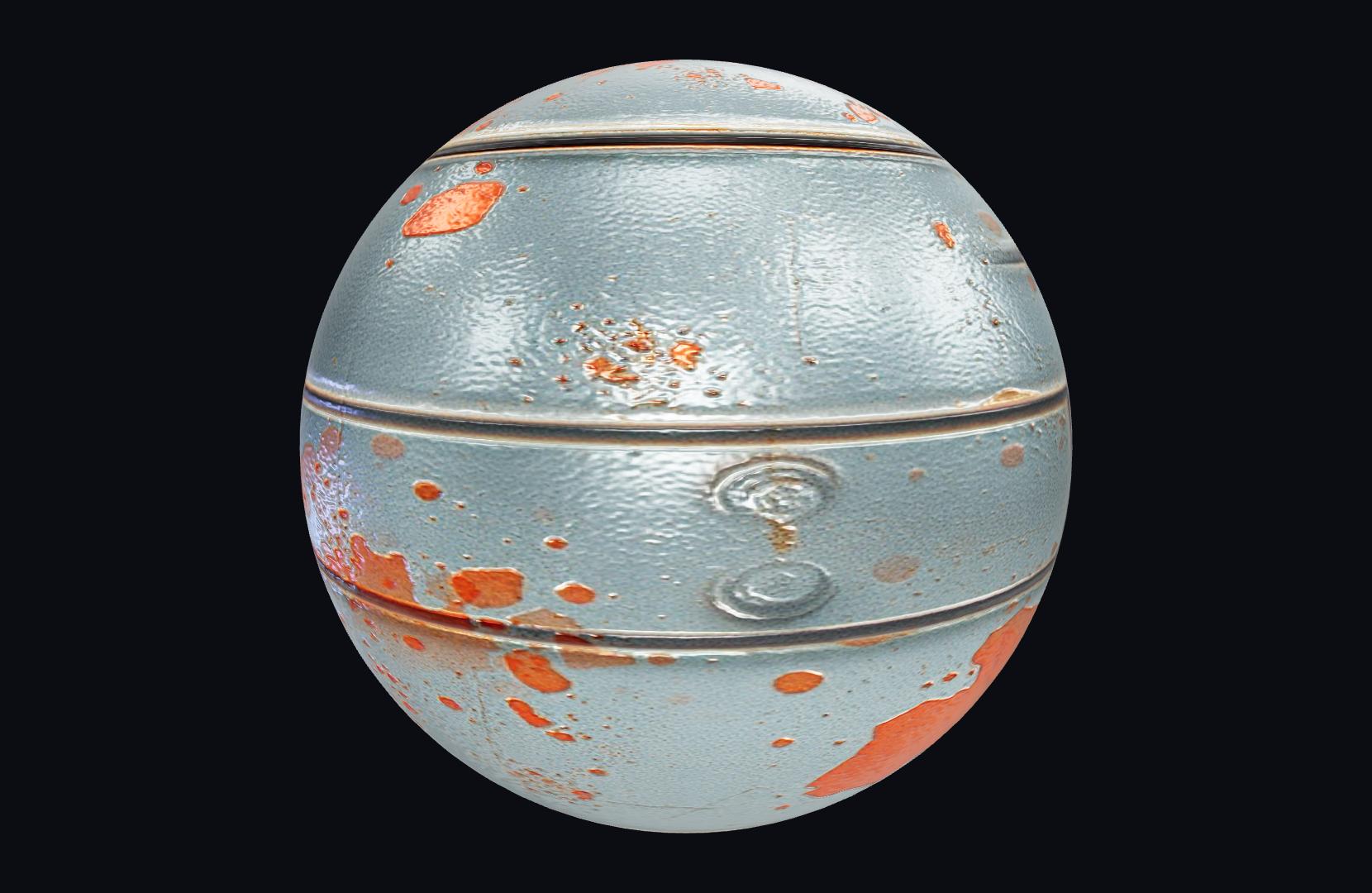
Surfaces & shaders
Character rigging
Character animation
 Captured example
Image to 3D model
Steam page reviews
Different workspaces. One creative direction: yours.
Desktop + native plugin
Build the part you’re thinking about. Each product has a focused workspace, with the controls to make the result your own.
Gameplay logic
Describe a gameplay mechanic, inspect the generated graph, and bring it into Unreal Engine. Stay in control of how it all connects.
World building
Describe the terrain, plan routes and sites, and explore the layout. WorldWeaver downloads as a World Pack for Unreal Engine 5.7 and 5.8, or as packs for Unity, Godot and Blender.
Materials & surfaces
Craft a PBR material, compare variations, or build a pack of distinct materials. Inspect your results and shape the details in the workspace.
Character rigging
Upload a humanoid mesh and place its joint markers. RigMaster exports FBX on the UE5 Manny skeleton for Unreal and Blender, Mixamo-named FBX for Unity, and glTF for Godot.
Character animation
Write one sentence and compare four takes on the UE5 Mannequin and on your own character, with planted feet and posed hands. Or start from the ready-made gallery.
3D props
Upload an image of your object, then inspect the mesh and textures in the 3D preview.

Steam page optimization
Get a focused review of your Steam page, from capsule and copy to tags and media. Know what to improve next, and why it matters.
What players see first
Lead with the core gameplay. Then show what makes your game different.
Desktop + native plugin
Desktop connects to Unreal Engine 5.7 and 5.8, Blender 5.0+, Unity 6+ (beta) and Godot 4.6+ (beta). Describe the changes you want, then inspect the result where your game actually lives.
tools at your commandthrough the native Unreal Engine plugin
For Windows and macOS. Web tools also work in your browser.
The conversation starts here.
Select your Unreal project in Desktop and set up the native plugin.
Use the conversation to inspect your scene and direct work in the editor.
Inspect the result in your project, test it, and decide what comes next.
A little clarity before you start
Start in the browser, or connect your editor. You don’t have to do everything at once.
Find your first toolYou can use Blueprint Studio, WorldWeaver, RigMaster, MotionSmith, AssetSmith, MaterialForge, and LaunchKit in your browser. Install Cosindra Desktop and the native plugin when you want to work directly inside Unreal Engine, or use a supported Apply in UE5 workflow. See the setup options.
The web tools create specific outputs, such as Blueprints, worlds and rigs, as well as PBR materials. MotionSmith turns a sentence into character animation for Unreal, Blender and Godot. AssetSmith turns a picture of one object into a textured 3D model. Desktop connects to your Unreal project for editor control and supported asset-apply workflows. LaunchKit reviews your Steam page; its report is not an asset to import into Unreal.
Web product operations use Cosindra credits, including on the Indie plan. Desktop can use Cosindra credits or eligible own-account/API-key options. Your provider’s limits and charges still apply when you use your own account. Compare credit allowances.
Yes. Each workspace has controls for its output: inspect a Blueprint graph, preview terrain or place rig joint markers, for example. MaterialForge also lets you compare variations and adjust exposed parameters. MotionSmith plays every take on your own character next to the base body. Review the result before bringing it into your project.
Yes. The Starter plan includes a one-time signup credit gift and a monthly allowance. Operations and downloads have their own costs and limits; starting free does not mean unlimited generation. See what Starter includes.
Find the plan that fits the way you work.
Compare credits, features and billing options.
$0/month
50 credit gift + 30/month
Explore Starter$9.99/month
150 credits/month
Explore Indie$29/month
500 credits/month
Explore Pro$59/month
1,000 credits/month
Explore EliteMonthly prices in USD. Provider limits and charges apply to own-account use.
Compare all plans and featuresPick a workspace. Explore a possibility. Make it yours.